A more consistent album
Process a folder of songs together, with loudness and tonal balance considered across the whole set.
 AI Song Mastering UA
WAV mastering for AI music creators
Bring your songs together. Create a more consistent album.
Coming soon to the Mac App Store.
Apple Silicon Mac with macOS 26 or later. Paid access required to process and export.
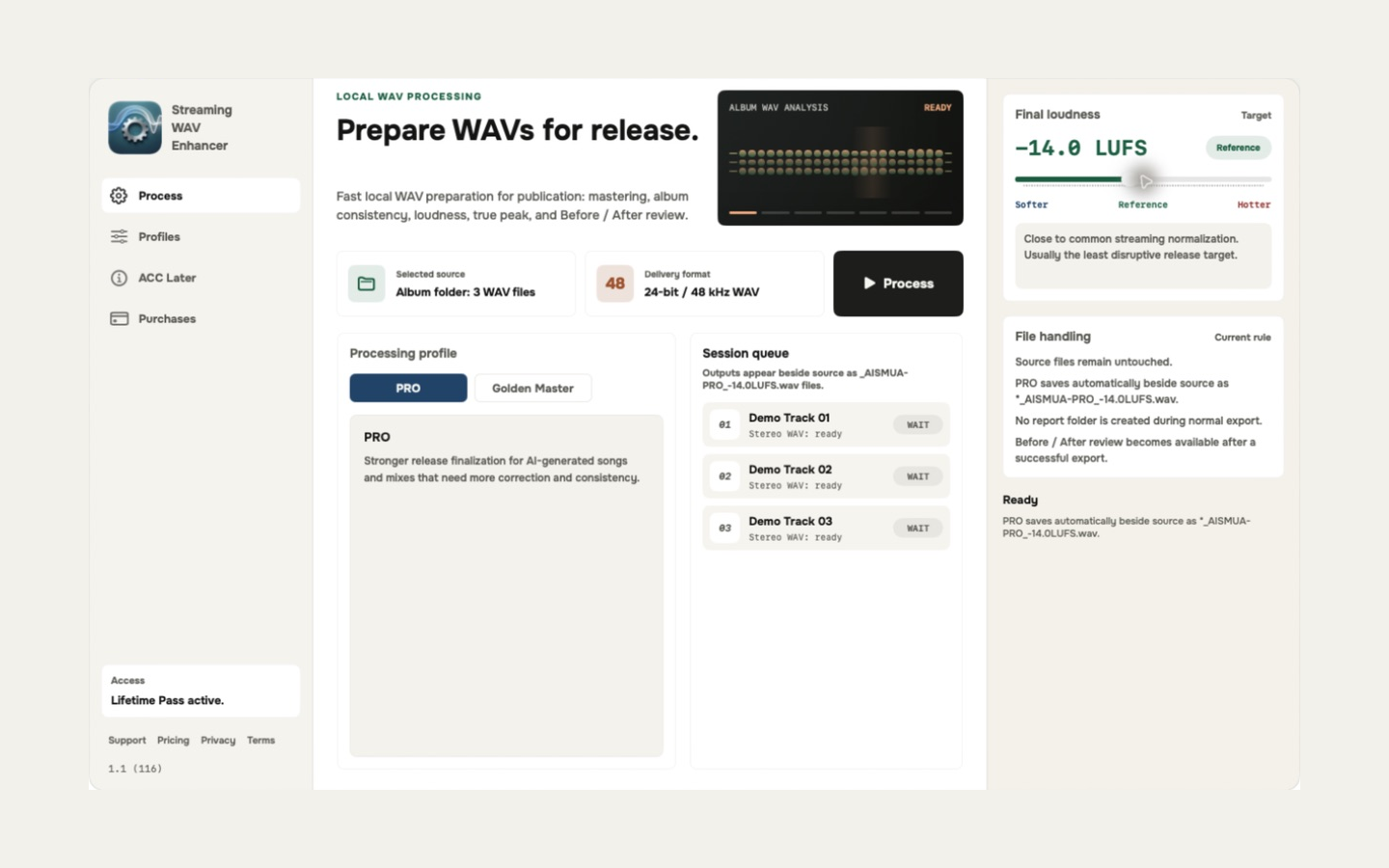
From songs to a release
Process a folder of songs together, with loudness and tonal balance considered across the whole set.
Choose stronger correction with PRO or a gentler touch with Golden Master. Set the final loudness to suit your music.
Audio processing is local. Your songs are not uploaded, and new WAV files are saved alongside your untouched originals.
Two mastering profiles
More correction. More consistency.
For AI-generated songs and mixes that need stronger treatment of tonal balance, bass and harshness, alongside loudness control.
A gentler finish for a balanced mix.
For music whose character you already like. Applies more conservative processing to preserve more of the original tone and dynamics.
PRO is a sound profile. Pro Yearly is a payment option. You can use either sound profile with any purchase.
Your music, your decision
After a successful export, switch between Before and After in the app. Review the sound and the quality-check result before deciding what to release.
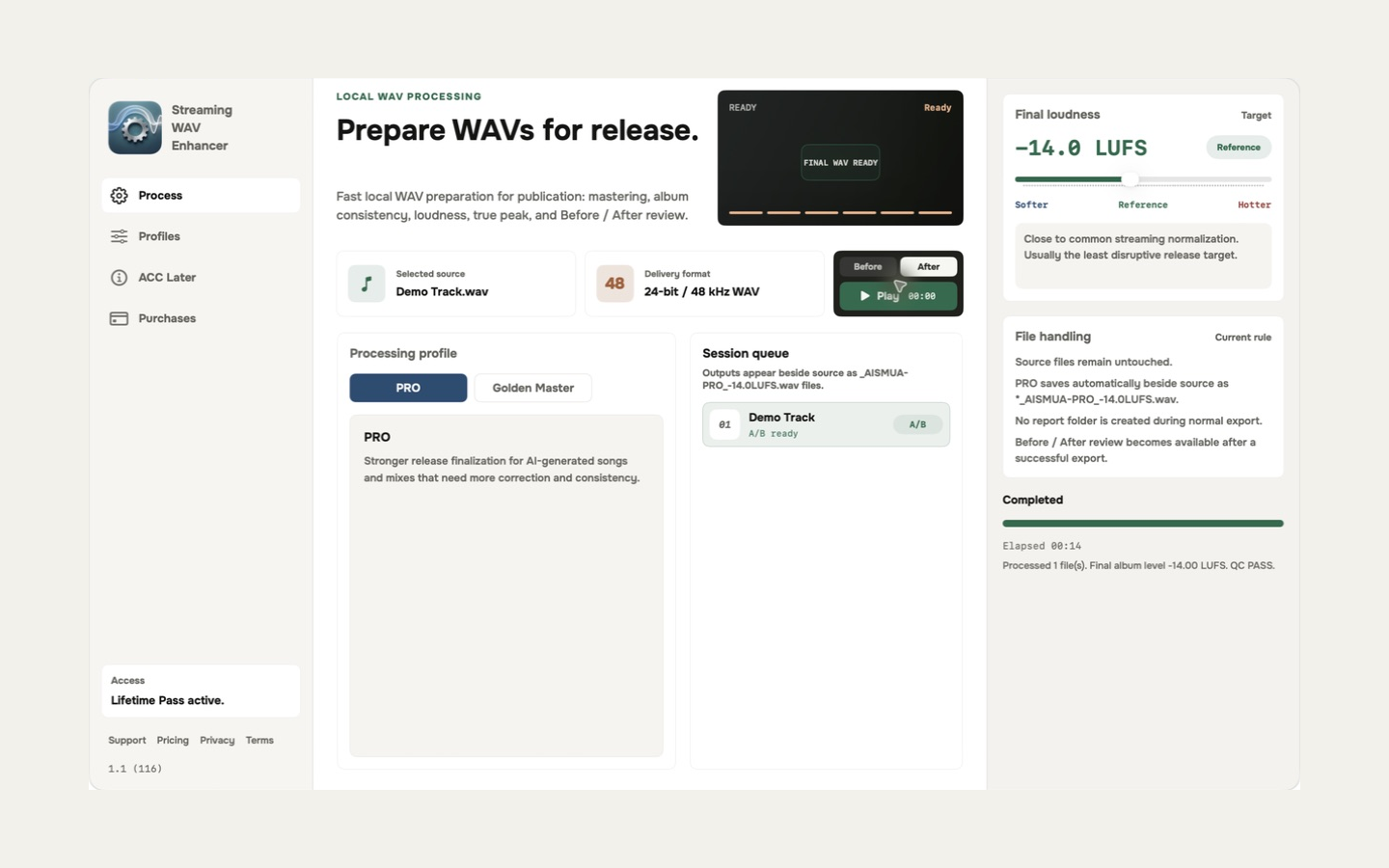
Select one stereo WAV or a folder of songs. The app processes existing recordings; it does not generate music.
Select PRO or Golden Master and a loudness target. Use it for your own mixes, or for Suno and Udio WAV mastering when you have the rights to process the song.
Get a new 24-bit / 48 kHz WAV, with loudness, peak and AAC conversion checks. Listen back and review any warnings.
Before you buy
You need an Apple Silicon Mac running macOS 26 or later and stereo WAV files. Intel Macs, Windows, iPhone and iPad are not supported. See all file requirements.
Yes, when you have a stereo WAV export and the rights to process it. The app also works with your own finished stereo mixes. It is independent of those services and does not connect to your generator account.
The app will be free to download. You can select files and explore the settings, but processing and export require a purchase. There is no free mastered-audio preview or free export in version 1.1.
It can adjust the final sound, loudness and consistency of a finished mix. It cannot rebuild missing musical detail, repair every generation artefact or separately edit voices and instruments. The source still matters.
Your audio stays on your Mac during mastering, and you do not need an AI Song Mastering UA account. An internet connection and your Apple Account are needed for App Store downloads, purchases and purchase restoration.
One song or a whole catalogue
Start with a single export or an album. Choose unlimited exports when mastering becomes part of your routine.
Coming soon to the Mac App Store.